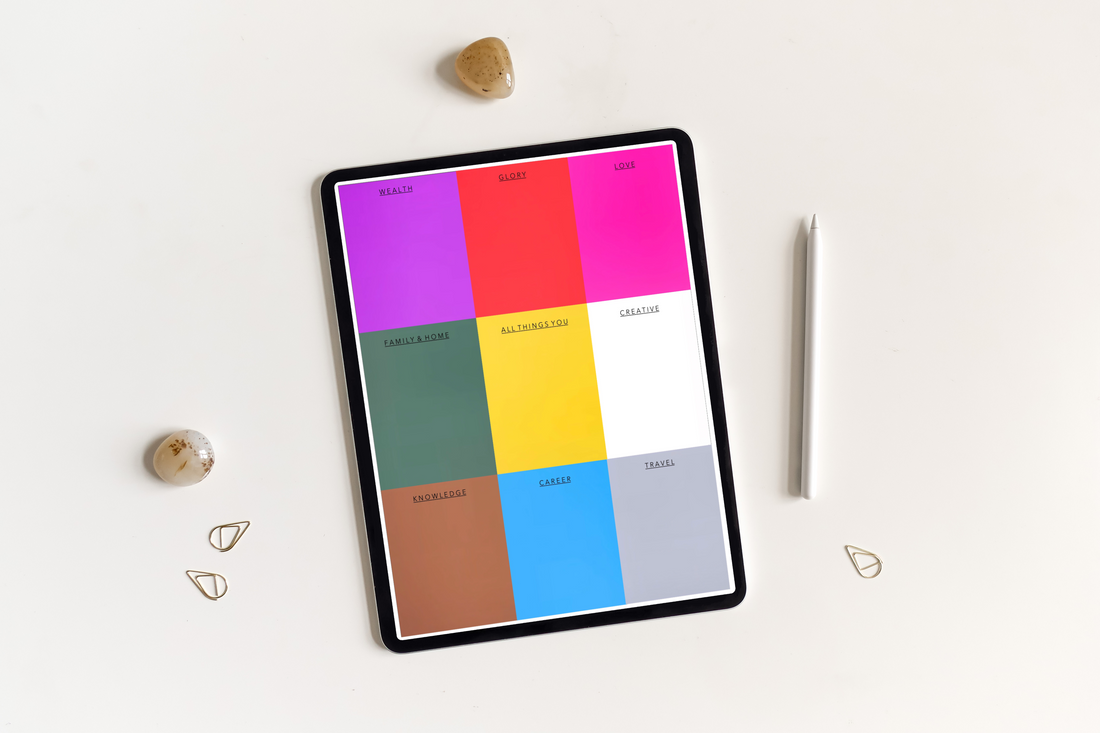
// DIGITAL PLANNER TEMPLATE
WISH CARD TEMPLATE
How to Use:
- Add your photo to the middle
- Starting from the top left corner and circling clockwise around your photo, full in the categories.
- You can do this by adding photos or text of your desires - Write a couple affirmations under your photos or text and repeat them daily.
- Look at your Wish Card often by using as a wallpaper or printing out and hanging up.
Our template was inspired by @bellainter on tiktok.
$0.00
✦ Instant Digital Download
✦ Optimized for iPad, GoodNotes & Notability
YOU'RE GETTING1 x PDF

// THE DETAILS
Made slowly, for people who notice the details - It's the kind of thing you reach for without thinking.
// BEFORE YOU ASK
No, this is a premium digital download. You receive instant access immediately upon checkout.
This interactive PDF is engineered to work seamlessly with PDF annotation apps like GoodNotes, Notability, or Xodo on your tablet.
It takes less than 3 minutes. Your purchase includes a step-by-step video installation blueprint.
While accessible on phones, the layouts are calibrated for standard tablet dimensions to provide the best writing experience.
Due to the immediate, fully accessible nature of digital files, all sales are final, but we provide comprehensive support to ensure your setup is flawless.



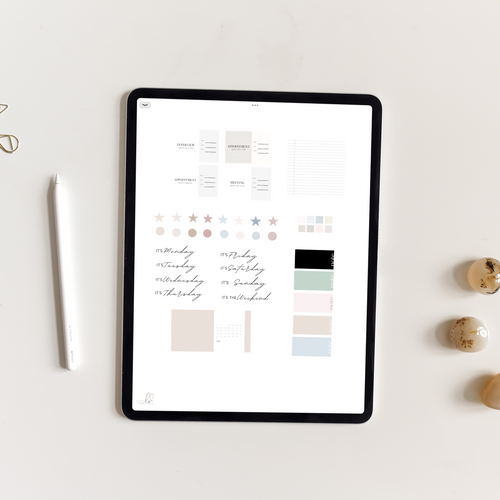
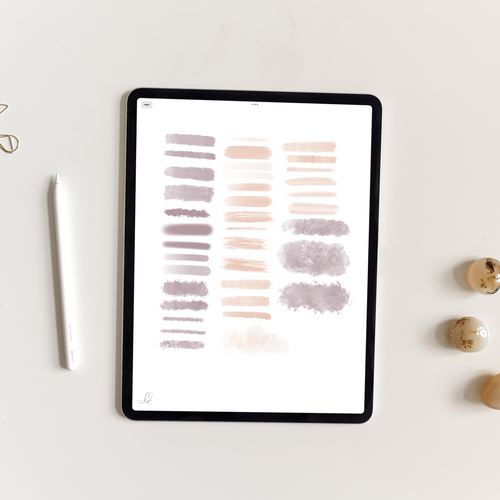
Wish Card Template
$0.00