// LILAC DESK
TROUBLESHOOTING CHEAT SHEET
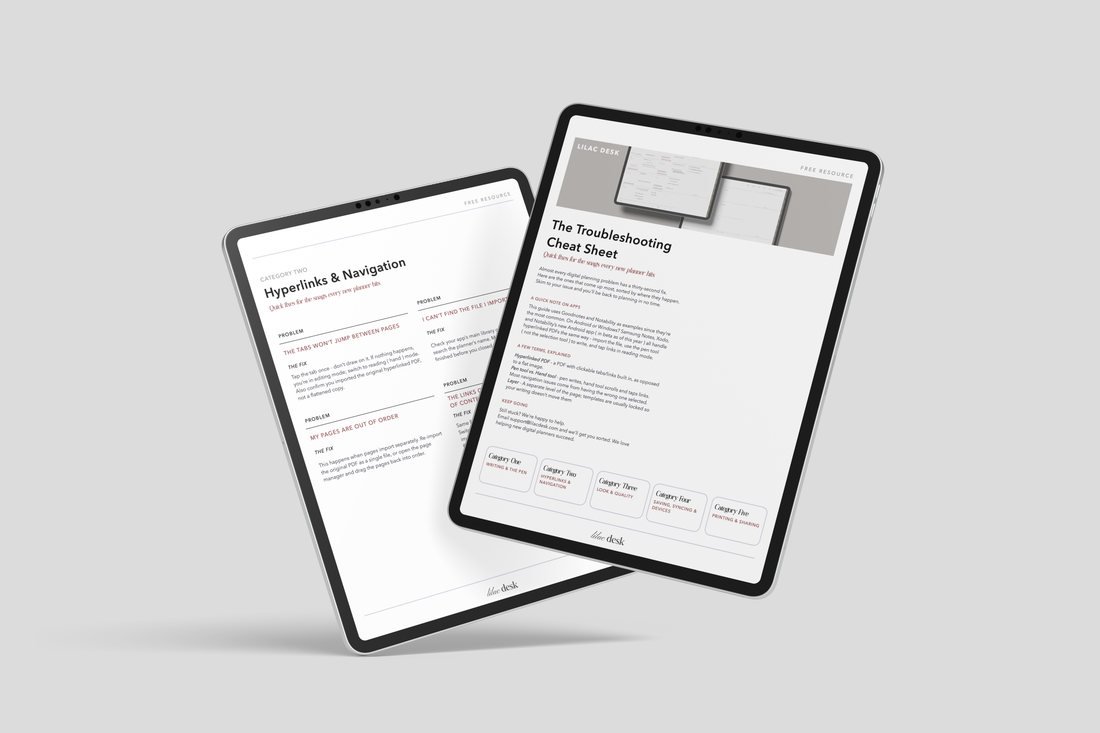
Every new planner hits the same handful of snags — messy handwriting, tabs that won't tap, a printer that crops the page. This free cheat sheet rounds up the most common fixes, sorted by where the problem shows up, so you can skim straight to your issue and get back to planning.
CONTAINS
- One PDF guide
- Five troubleshooting categories
- A quick glossary for first-time digital planners
$0.00
✦ Instant Digital Download
✦ Optimized for iPad, GoodNotes & Notability
YOU'RE GETTING1 x PDF
SUPPORTED ONAll digital planners and stationery can be used on any device. For iOS check out Goodnotes, and for Android and Windows check out Xodo. Other Supported Apps: Notability, Zoomnotes, and Metamoji.

// THE DETAILS
Made slowly, for people who notice the details - It's the kind of thing you reach for without thinking.
// GETTING STARTED
SEE IT IN YOUR WORKFLOW
GREAT FORThat moment something in your planner suddenly won't cooperate — before you assume it's broken and reach out for support.
// BEFORE YOU ASK
No, this is a premium digital download. You receive instant access immediately upon checkout.
This interactive PDF is engineered to work seamlessly with PDF annotation apps like GoodNotes, Notability, or Xodo on your tablet.
It takes less than 3 minutes. Your purchase includes a step-by-step video installation blueprint.
While accessible on phones, the layouts are calibrated for standard tablet dimensions to provide the best writing experience.
Due to the immediate, fully accessible nature of digital files, all sales are final, but we provide comprehensive support to ensure your setup is flawless.



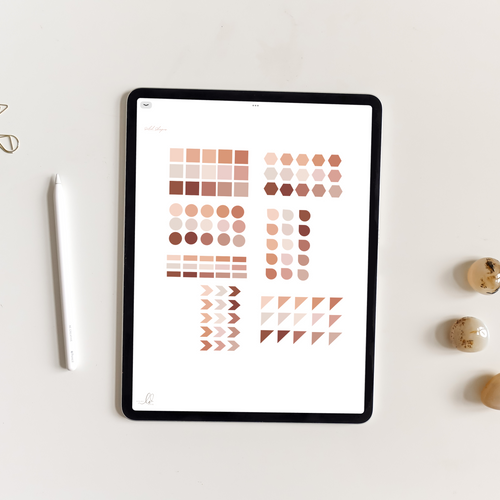

Troubleshooting Cheat Sheet
$0.00