L'AGENDA 2027
L'Agenda is not just a planner — it's a complete business operating system, built for the entrepreneur who refuses to leave their success to chance. Every section brings structure, clarity, and strategy to your business, from the vision that drives you to the daily actions that move you forward.
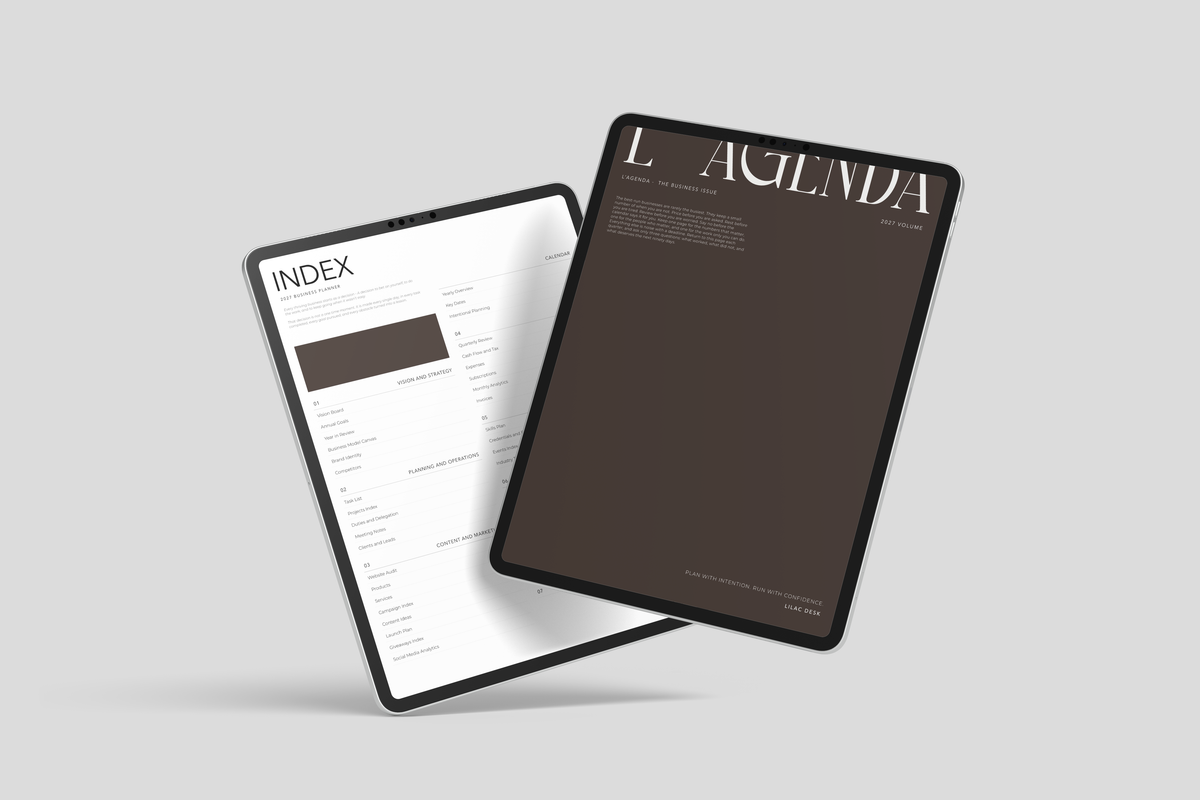
This is our most in-depth business planner yet. Six departments - Vision & Strategy, Planning & Operations, Marketing & Content, Finance, Growth & Development and Business Resources - sit alongside yearly, monthly, weekly and daily planning, all linked so you move between them in a tap.
Edited, restrained and made to be used every day - a planner that looks as considered as the business you are building.
- 752 linked pages, dated for 2027
- Seven cover colours; your choice becomes the accent colour on the index and every section overview
- Planner overview and index
- Yearly overview and annual goals
- Monthly, weekly and daily pages with priorities and to-do lists
- Seven sections: Vision & Strategy, Planning & Operations, Marketing & Content, Finance, Growth & Development, Business Resources, Extras
- Business model, brand identity, product and service planning pages
- Project overviews, meeting notes, ads and events, giveaways, and social media analytics trackers
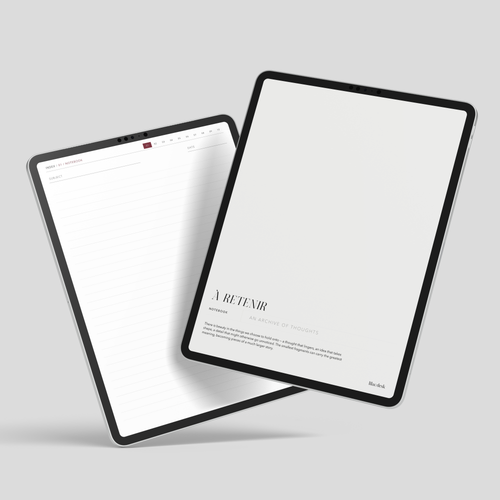
- Linked notebooks
- Hyperlinked navigation throughout

Plan it well, run it calmly, and let the days add up to something you are proud of.
SEE IT IN YOUR WORKFLOW
Business owners who want to stay on track, week after week
Freelancers and solopreneurs balancing clients, invoices and deadlines
Content creators who run a business behind the brand
Online shop owners planning products, launches and promotions
Coaches, consultants and service providers managing clients and projects
Side hustlers ready to build something bigger
Anyone planning to start a business in 2027
Plan each month before it begins, then break it into weeks.
Use the daily pages to name your priorities and finish your to-do list.
Keep the department pages open as you work: log projects, track marketing, review the numbers.
Tap any link to jump between pages, and return to the index at any time.
When you are stuck on a decision, turn to the reference guides at the back.
GoodNotes: tap +, choose Import, select the PDF, then tap to open.
Notability: tap the Import option, select the PDF, then open it.
Other PDF apps (Noteshelf, Samsung Notes, Xodo and similar): use the app’s Import or Open PDF option and choose the file.
Menu names vary slightly between app versions. Hyperlinks work in most PDF apps.